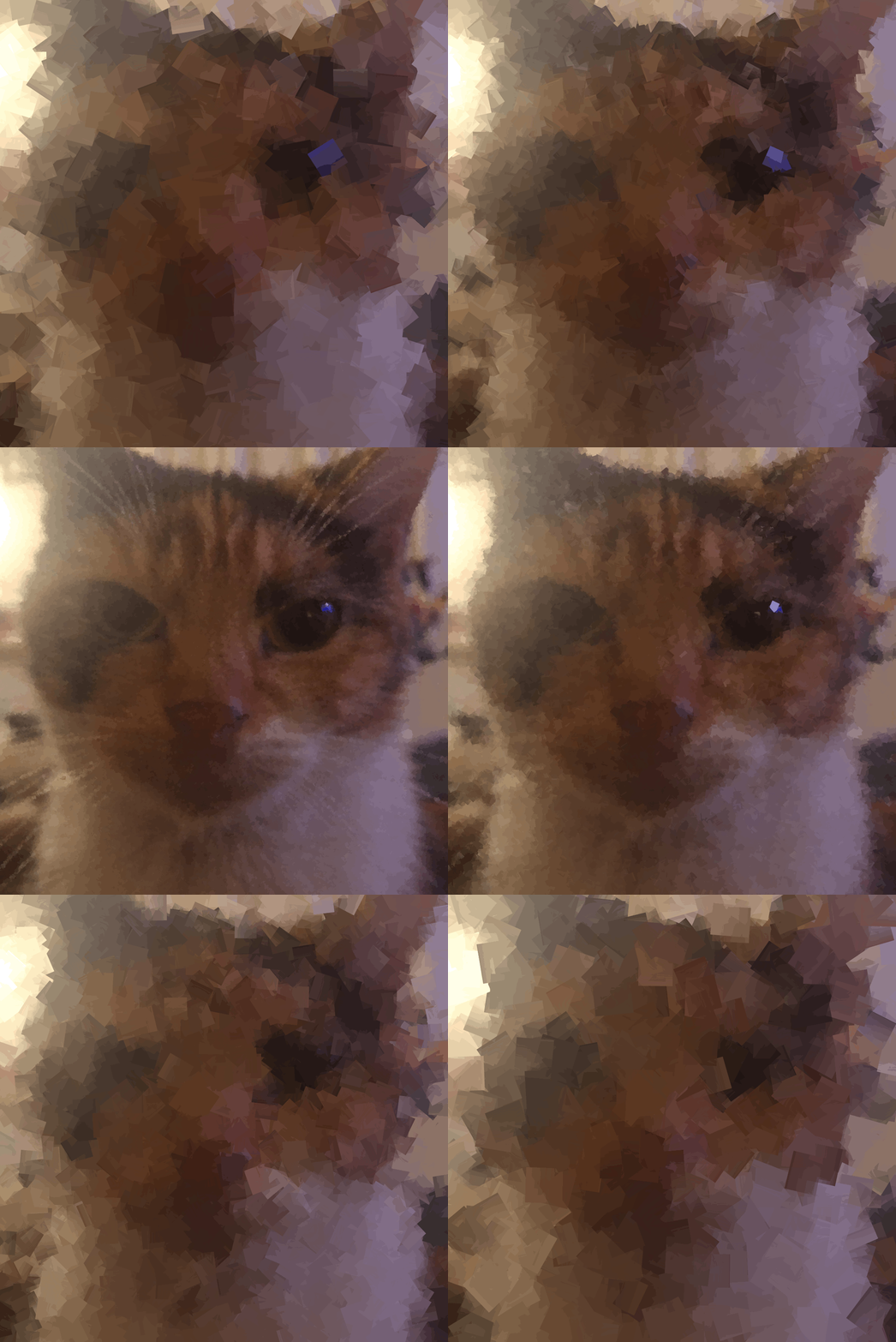
Did you know that you can make a gimp project into a GIF? You can set each layer to be a single frame of the GIF and replace with the next layer.
For this GIF I take the image and make each frame have the cubism filter Tile Size increase each layer, then reverse it back to the original image.
You can find cubism under Filter->Artistic->Cubism